Created in the business’s connected Stripe account
Latest invoice
Paid · Jul 30
Next renewal
Aug 30
Subscriber self-service
Create and copy secure URL
Recurring revenue stays visible and manageable after checkout.
Weekly, monthly, quarterly, or annual billing
Optional initial payment plus recurring price
Subscriber, invoice, and renewal visibility
Customer-specific Stripe management URLs
When a subscriber needs to update payment details or cancel, create their secure, customer-specific Stripe management URL in Aura, copy it, and send it yourself. Aura does not email the link automatically.
Add questions that use earlier answers. Try a new look. Set up an event section or booking step. Improve an email you already send. Aura helps with the draft; you review bigger changes and connect your accounts.
Limited preview for enabled accounts. Live use has limits. See plans.
Your page asks the questions. Aura answers theirs.
Standing in your shop they would just ask someone. Online they close the tab. Aura answers from your own services, policies and documents, the way the person behind the counter would, then picks up exactly where they stopped.
Answers come from your services, policies, past answers and uploaded documents.
They can ask out loud in voice mode, or type it.
Anything Aura could not answer is saved for you. Answer it once and every customer after gets it.
Try the live demo. Open Questions and ask something the page did not cover.
MP
Marcus Plumbing
Book a repair visit
Question 3 of 6
What kind of job is it?
Leak or burst pipeBoiler not heatingBathroom install
Speaking now
Warm host · Anaya
7 Aura voices included
“Absolutely. Tell me the date and the size of your group, and I will guide you to the right reservation.”
Personality
Friendly
Delivery
Conversational
Accent
Your choice
Bring the owner’s voice. Connect a cloned or licensed ElevenLabs voice when the business should sound like the person behind it.
Some customers would rather talk. Let them.
It is a conversation, not a form read out loud. The customer speaks, Aura speaks back, and every answer appears on screen as they say it, landing in the same structured submission a typed response would.
Choose from seven Aura voices and five personalities: friendly, calm, enthusiastic, empathetic or professional.
Set a conversational, narrative or concise delivery, then describe the accent that fits your brand.
Forms, choices and ticket tiers all work out loud. Say "two VIP" and it fills in the same as tapping.
Sell the tickets on your own page.
Tiers with their own price and inventory cap. Aura takes the payment, mints one QR code per ticket, emails them to the buyer, and gives you a panel to scan them at the door.
Every ticket gets a code
General admission · $40
GA-1182
One per unit sold, with its own secure link. Emailed on purchase and shown on the thank-you page.
Check them in at the door
VIP-4471Checked in
GA-1180Checked in
GA-1181Not yet
Look a code up, mark it used, and it cannot be used twice.
There is no per-ticket fee. Tickets sell like anything else on Aura: your plan’s platform fee, 3% on the free plan down to 1%, plus whatever Stripe charges to process the card. Nothing extra per ticket on top.
Score the answers. Send them somewhere that fits.
Give the answers that matter a point value, then build the result screens. Match on total points or on a percentage, and finish with a recommendation and a button to the next step.
Both are switches on the same panel in the builder. Scoring is not a separate product.
0 to 12 points
The Essentials Routine
Three products, twice a day. Start here and reassess in six weeks.
13 to 24 points
The Barrier Rebuild
Repair first, actives later. A four-week plan before anything strong goes on.
25 points and up
Book the consultation
This needs a person, not a product. The calendar opens on this result.
Upload the PDF. Get a working system back.
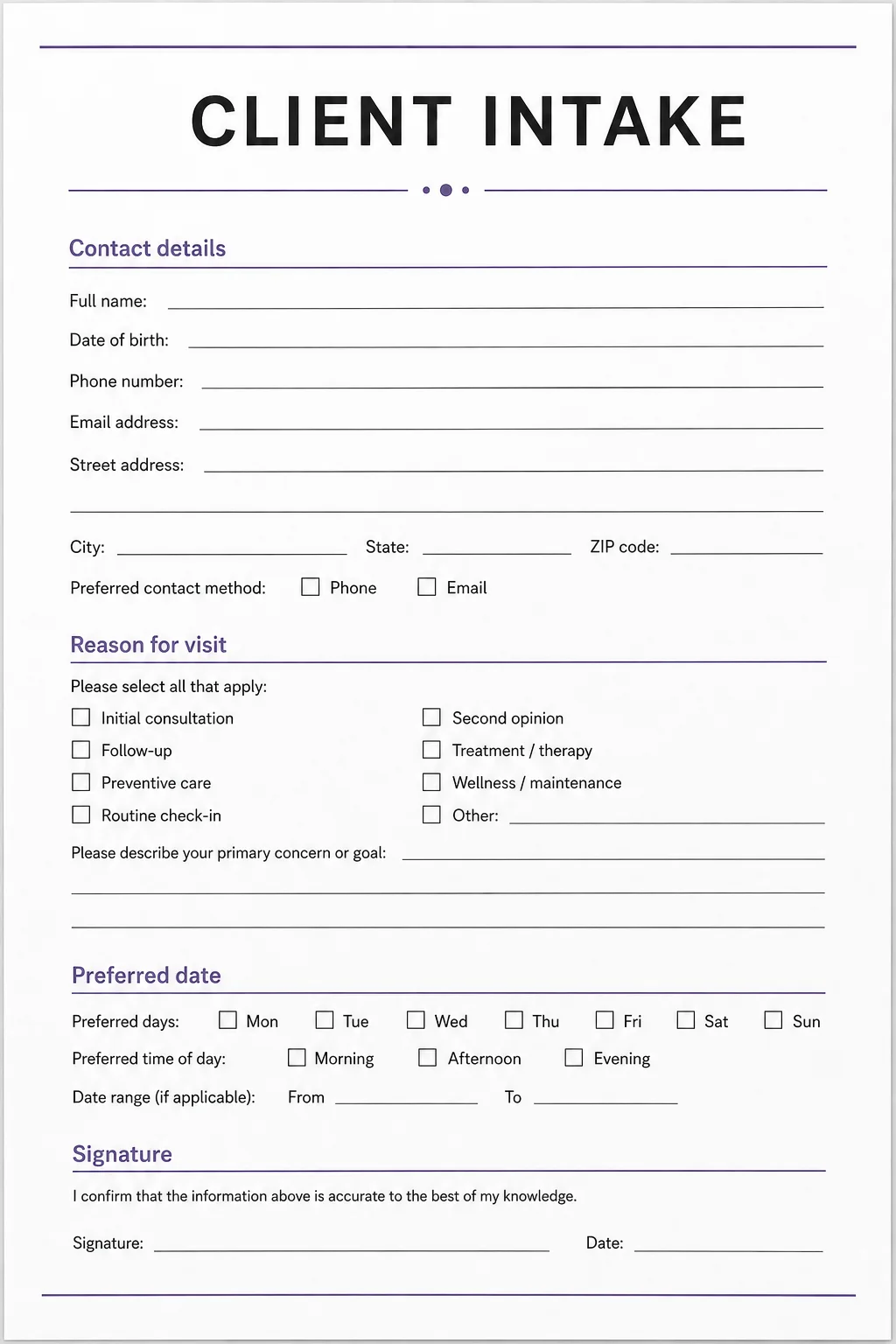
The form on the clipboard at your front desk, the one somebody types up again afterwards. Upload it and Aura rebuilds it, questions and all. Share the link the same day and people start filling it in on their phones before they arrive.
Nothing to rebuild by hand. The questions, the field types and what is required all come across.
It arrives with every mode: by voice, one question at a time, or as a standard form.
It carries your colours and your logo, so it looks like your practice and not like a form tool.
Logic, payment, booking and follow-up can go behind it whenever you are ready.
You can also start by describing the workflow in a sentence, or by saying it out loud.
PDF to working system
One upload. Ready to share.
.PDF
From your desk
Drop PDF here
Questions found
intake-form-v4.pdf
Working system
Structured, branded and ready for customers.
Conditional questions
Deposit on submit
Booking step
Follow-up email
Ready to share
Use your media. Or ours. Or one that does not exist yet.
Drop a video or image element onto the builder and fill it four ways: what you shot, what is already live online, our free library, or something Aura makes from a sentence. Whatever lands there becomes the asset you can personalize later, one recipient at a time.
Use your own
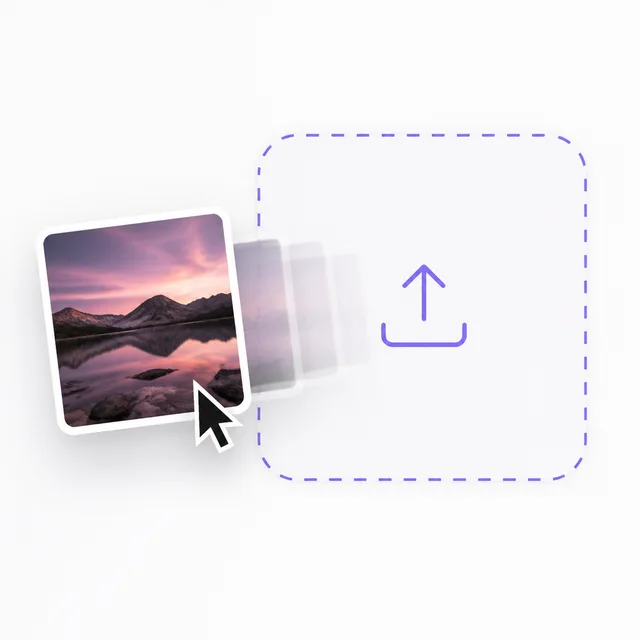
The photos of the job, the clip already sitting on your phone. Drag it straight onto the element.
Use what is already online
Paste a link and pull in the image or clip already living on your site, your Drive or your socials. Nothing to download first.
Use ours, free
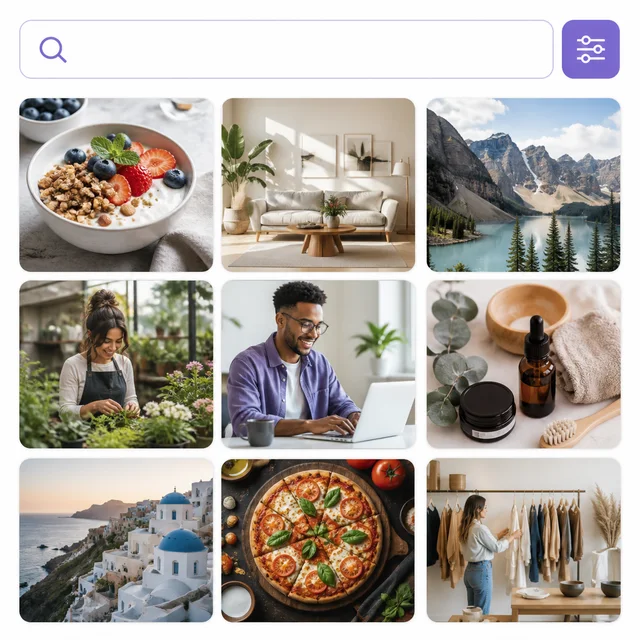
More than 6 million free photos and illustrations, plus free video, from Pexels, Unsplash and Pixabay. Searched inside the builder without opening another tab.
Or invent one
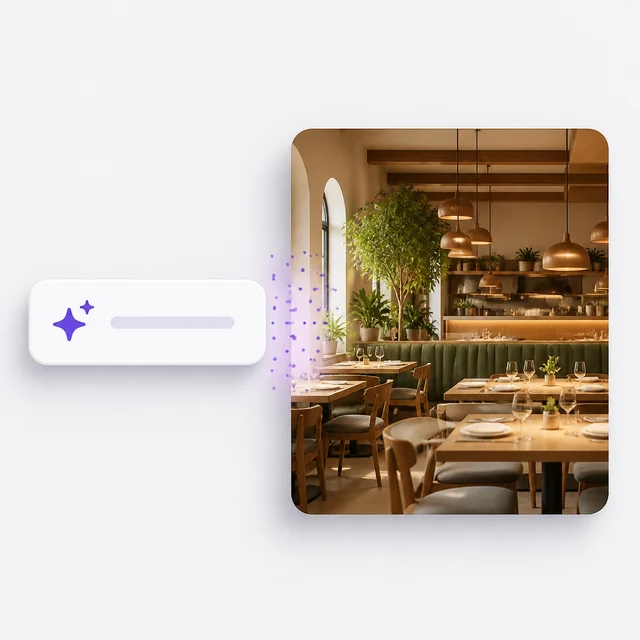
Describe the image or the clip and Aura makes it. However it arrived, you can crop it, restyle it and edit it in place.
However it got there, it can then be personalized. Take any image or clip on the system, choose up to ten seconds of it, and describe the change in a sentence. Aura prepares that version for one recipient before you send it.
Personalize the experience
One published system. One person’s own version of it.
Create a link for one person, then change as much or as little as you like. Your published system stays live and working for everyone else.
Create an individual link
Everything you already set up is listed for you, ready to adjust for this one person.
Then change anything you like.
Pick one, pick all three, or pick none. Anything you leave alone stays exactly as you published it.
Prefill what you already know
Fill in what is on file so your client verifies and signs off instead of retyping what you both already know.
Tailor the messaging
The greeting, the wording, the descriptions they read. As much or as little as you want.
Change any images or videos
Describe the change for each one in a sentence. Personalize a single banner, or every asset on the system.
Aura prepares that version, and they take it from there
Whatever you changed is ready before you send, so nothing is generated while they wait. They book, pay, sign, or respond from the same link.
On the public page
One banner, published once, working for everyone.
Prepared for the Smith family
A new scene, their name, their closing. All described in plain language.
You are not wiring five tools together to get started. The conversation, the booking, the payment and the follow-up all happen inside Aura. These are the places the finished work shows up afterwards.
Stripe
Cal.com
Google Calendar
Google Sheets
Google Maps
Anywhere else, a submission can be posted straight out by webhook. Slack, HubSpot, Airtable, Notion, Mailchimp, Pipedrive, Discord, WordPress and Webflow have ready-made setups, and anything with a URL will take one.
The details that decide whether it fits how you work.
Small things, and the reason a system survives contact with a real business. Every one of these is shipped and in the builder today.
Google Maps element
Embed a location, set the height, pick a map style.
QR codes with piping
Encode a URL, email or SMS, built from answers as they type.
Nav menu element
A row of links inside the form, styled to your theme.
Computed fields
Run a formula across answers, or stamp the submission time.
Theme presets
A full light and dark colour system applied in one click.
Device preview
Check desktop, tablet and mobile without leaving the editor.
Manual columns
Add your own fields to the submissions table and fill them in per job.
Cancel a scheduled email
Stop one future send without touching the rest of the sequence.
Logic flow map
See which questions trigger which paths before you publish.
Landing-page layouts
Two-column rows and wide views, so the form is the page.
Voice conversations
Conditional routing
Knowledge assistant
Booking
Payments
Subscriptions
Signatures
File collection
AI follow-up
SMS and email
Team handoff
Voice conversations
Conditional routing
Knowledge assistant
Booking
Payments
Subscriptions
Signatures
File collection
AI follow-up
SMS and email
Team handoff
One inquiry, start to finish
“I need someone to look at this today.”
An urgent request becomes a routed job.
Aura asks the right follow-up questions, collects photos, raises the priority, and alerts the correct person by SMS.
1 / 4
Aura customer system
Next steps in motion
Active
1
Qualify urgency
2
Collect evidence
3
Alert the team
An urgent request becomes a routed job.
See what you can build
Start with an outcome, not an empty canvas.
Search complete Aura systems by the result your business needs. Preview the customer experience, then make the blueprint yours.
Showing 3 of 201 matching systemsShowing 6 of 201 matching systems