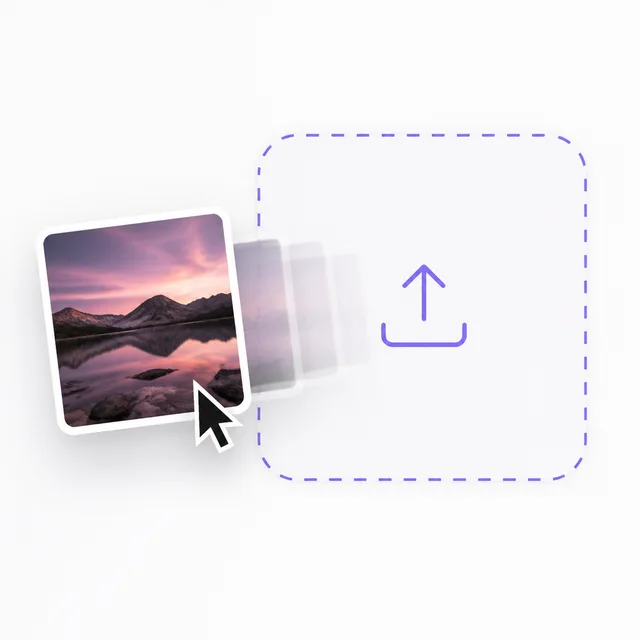
Use your own
The photos of the job, the clip already sitting on your phone. Drag it straight onto the element.
Personalization
Publish once for everyone. Then prepare one person’s own version of it, with their name, their answers and their video.

Everyone sends the same follow-up. The one that shows their kitchen and says their name is the one that gets answered.
Compare what a visitor sees with what Lisa sees. Same questions, same next step, prepared once for her.
Type a name and watch the public page fill it in. Lisa’s side does not move, because her link was prepared before it was sent.
Answer as a visitor
The public page fills in the name the moment someone answers. Lisa’s link was prepared before it was sent, media included, so her version stays put.
When works for you?
Same system. Personalized context, media, and next step.
Drop a video or image element onto the builder and fill it four ways: what you shot, what is already live online, our free library, or something Aura makes from a sentence. Whatever lands there becomes the asset you can personalize later, one recipient at a time.
The photos of the job, the clip already sitting on your phone. Drag it straight onto the element.
Paste a link and pull in the image or clip already living on your site, your Drive or your socials. Nothing to download first.
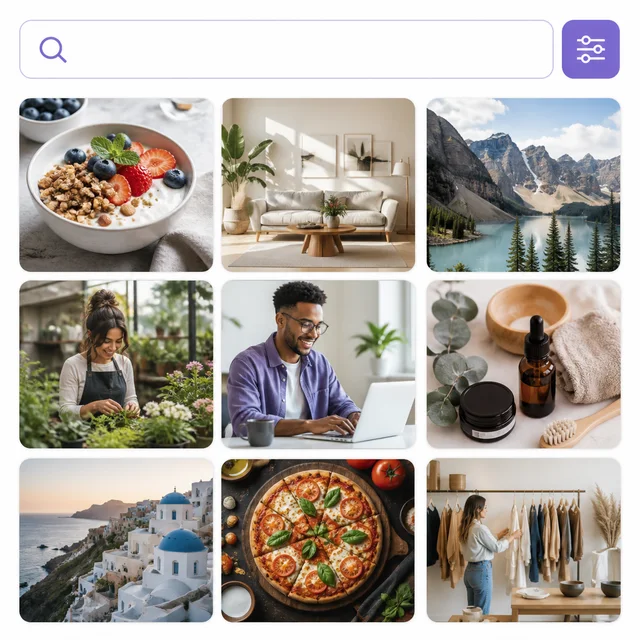
More than 6 million free photos and illustrations, plus free video, from Pexels, Unsplash and Pixabay. Searched inside the builder without opening another tab.
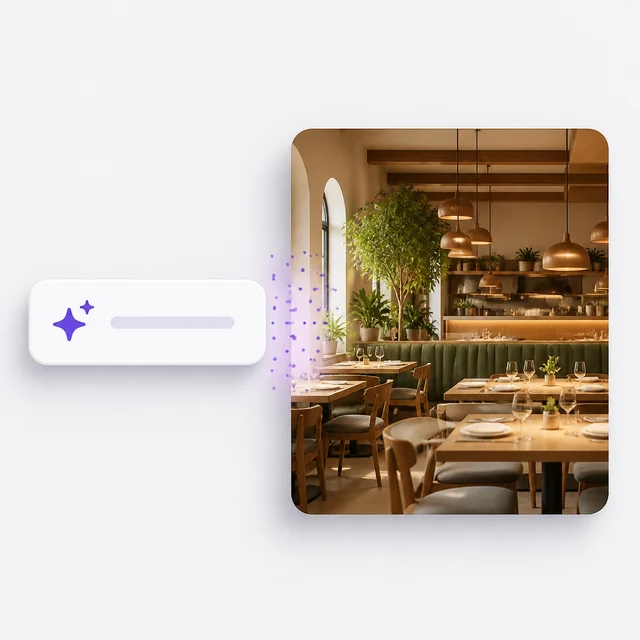
Describe the image or the clip and Aura makes it. However it arrived, you can crop it, restyle it and edit it in place.
However it got there, it can then be personalized. Take any image or clip on the system, choose up to ten seconds of it, and describe the change in a sentence. Aura prepares that version for one recipient before you send it.
Not one image and one clip. Every question, every message, every image and every video on the system can be prepared for the person you are sending to. Everything you do not touch stays the published system.
Resolves as they answer
Ready before you send
Every image on the system can carry their name, their property, their moment. Write the change for each one in plain language.
Ready before you send
Same recordings, same scenes. Write what you want said to them, clip by clip, and each one is prepared before you send.
Then they take the next step, exactly as on the public page
Personalized images
Keep the image everyone sees, then describe what should change for the person you are sending to. Their individual link opens with its own prepared version.

On the public page
One banner, published once, working for everyone.

Prepared for the Smith family
A new scene, their name, their closing. All described in plain language.
The instruction
Write the change in one sentence.
Show the Richardson lawyer outside the Smith family’s new home and congratulate them on the closing.
The same published system, prepared four different ways.
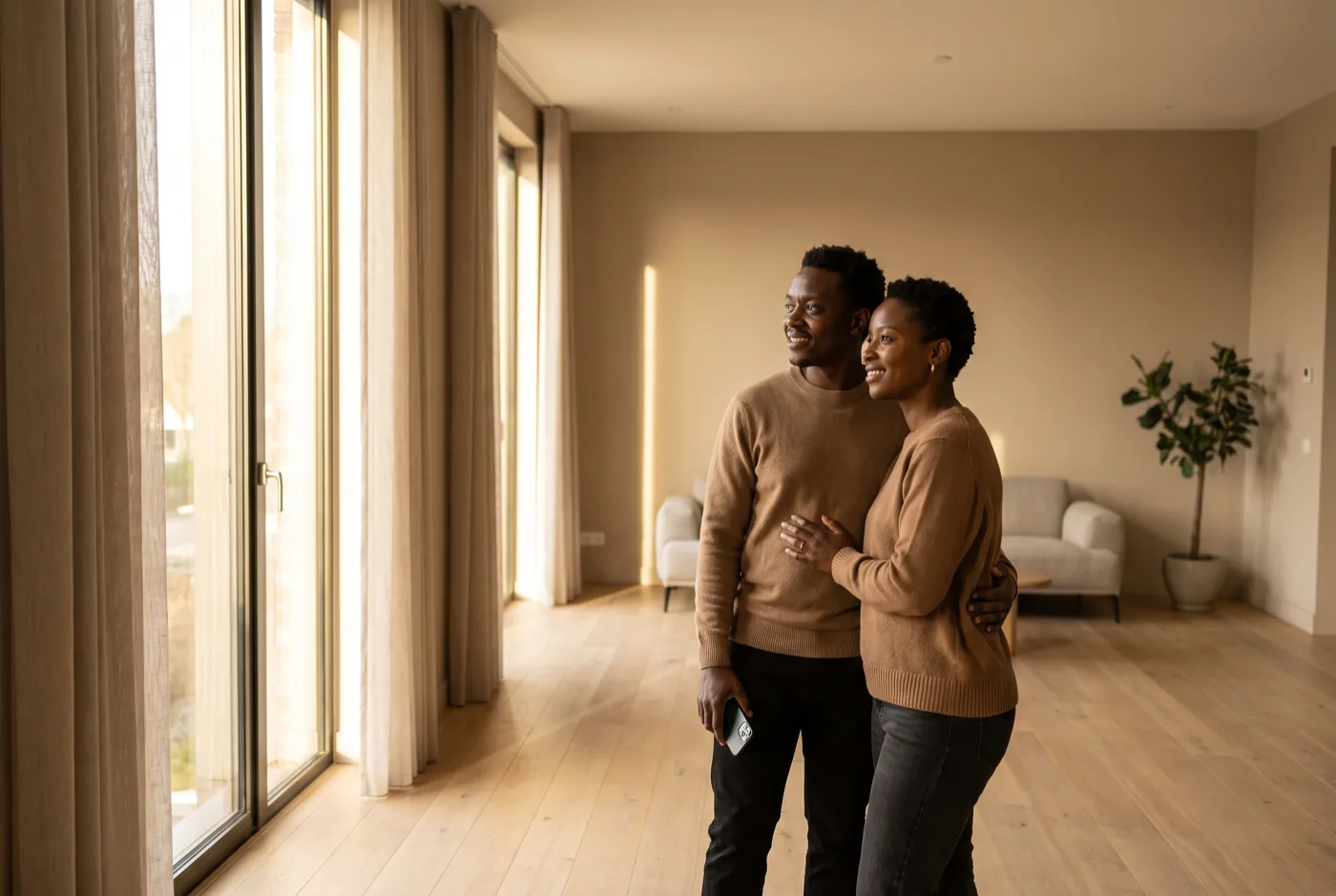
Real estate
They toured the house on Saturday. On Monday they open a link about that house, with the rooms they lingered in and a message about the offer window.
Home services
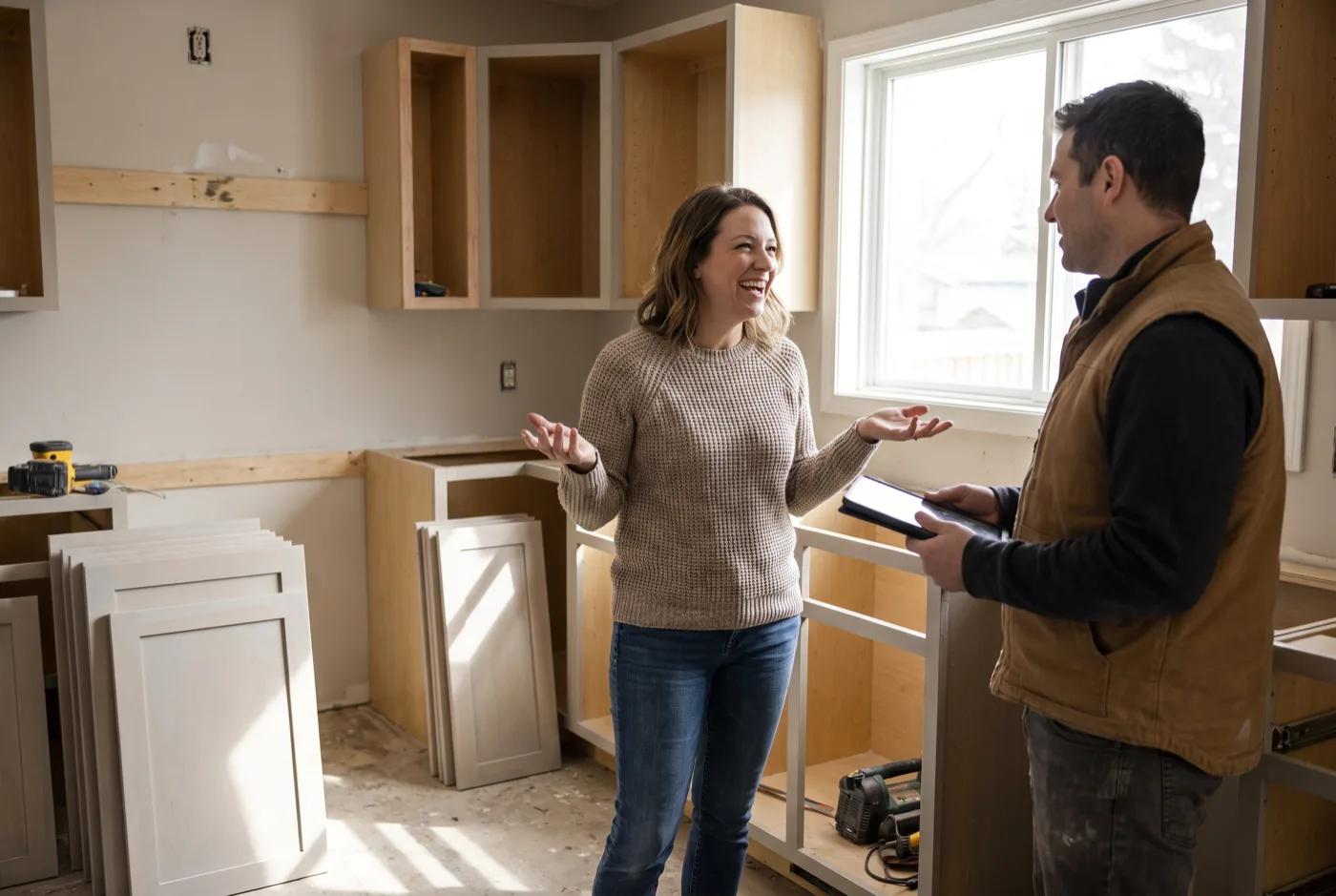
The consultation was about her kitchen. The link she gets back is about her kitchen too, with the measurements already filled in and a walkthrough recorded for the job.
Events
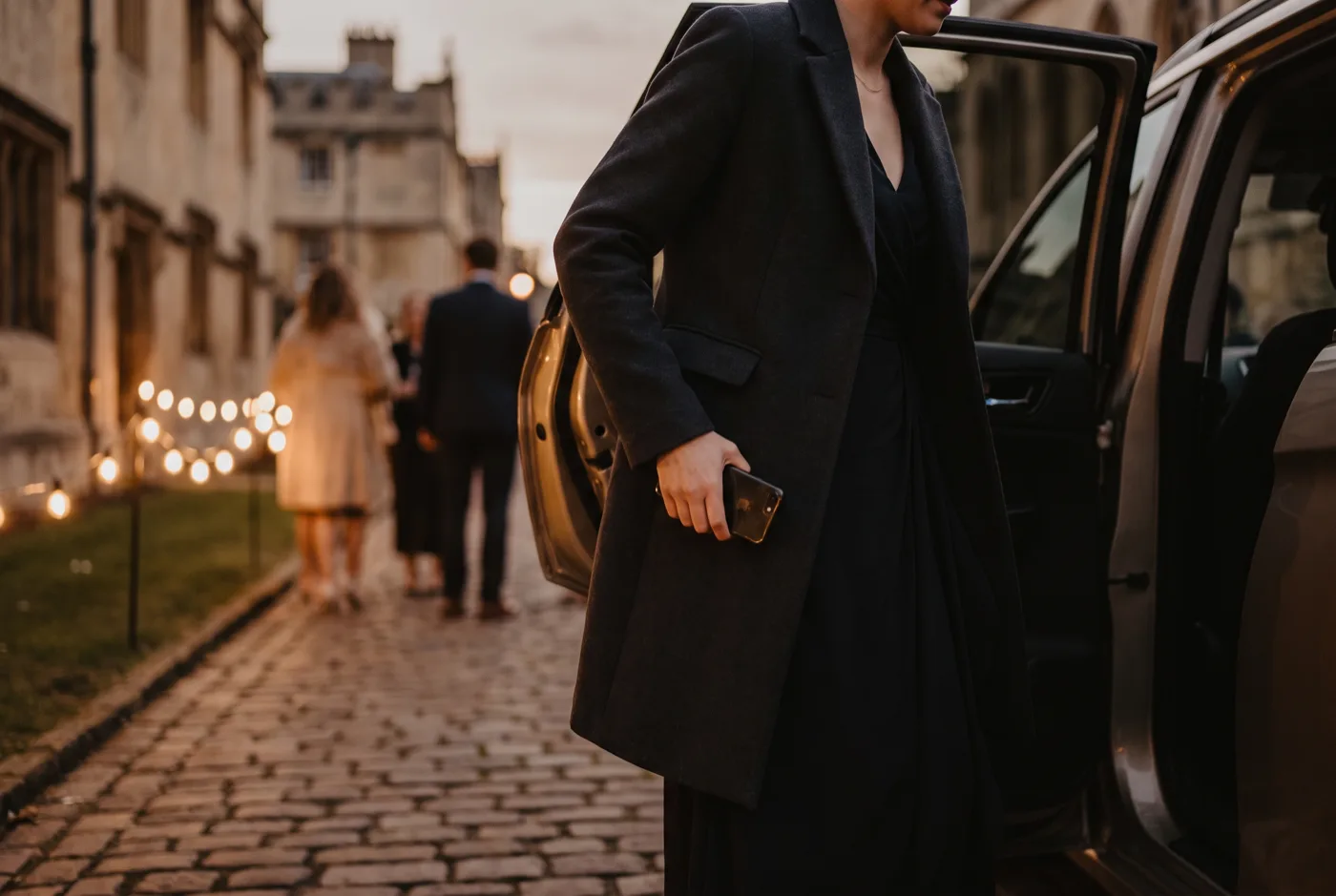
A sponsor, a speaker, and a guest each need a different arrival. One published system, three prepared links, three different welcomes.

Professional services
Discovery is quicker when half of it is already answered. The onboarding link opens on what is still genuinely open.
Share the system
One public link for everyone, or an individual link for one person.
It is already set up
Recipient details, prefilled answers, and personalized media are listed for you.
Write what should change
One sentence per image or clip, in plain language. Reusable for the next person.
You described the change in a sentence, against the media already on the system.
Aura prepares the personalized media. The same instruction stays reusable for the next person.
The link is worth sending. Their version is waiting on it before they ever open it.
The public system is the one you published, and it stays exactly as it is. An individual link is a separate entry point into that same system, carrying prefilled answers, a tailored message, and its own prepared media for one recipient. Creating one never edits the published version.
No. It carries a long random token that will not be guessed, but anyone holding the URL can open it. Treat it as unlisted rather than secure, and do not use it to carry information that needs real access control.
Yes. You describe the change in plain language and Aura prepares the personalized media from what is already on the system. Visual changes to setting, movement, clothing, or objects are the most reliable. Spoken dialogue can work, but keep it neutral and concise.
The link still works and the original media is shown in place of the edit, so the recipient never lands on a broken page. The link reports the failure to you with the reason, and you can reword the request and try again.
It can, and that is worth planning around. Aura edits the footage and images you already own rather than inventing a scene from nothing, so the setting, the lighting, and the people stay yours. The edits that hold up best are small and physical: a name on a sign, a different room, a change of season. Long spoken dialogue is where it most often looks wrong, so keep speech short or skip it. Preview every link before you send it. If one is not convincing, reword it and prepare it again.
It depends on whether you are using something they gave you or something they did not. Prefilling the answers from your consultation and naming the property they toured reads as preparation. Referencing details they never shared with you reads as surveillance. Stay inside what they told you and what you already do for them, and personalization lands as attentiveness rather than as tracking.
Yes, when the personalized media is created successfully. An image edit costs 10 AI Actions. Video costs 20 AI Actions per second of prepared clip, between 3 and 10 seconds, so 60 to 200 Actions. Aura reserves the Actions while it prepares the edit and returns them if generation fails. The built-in video retry reuses the same reservation, so it does not create a second charge.
Individual links work on any published Aura system, so there is nothing new to build before you send the first one.
Start free